
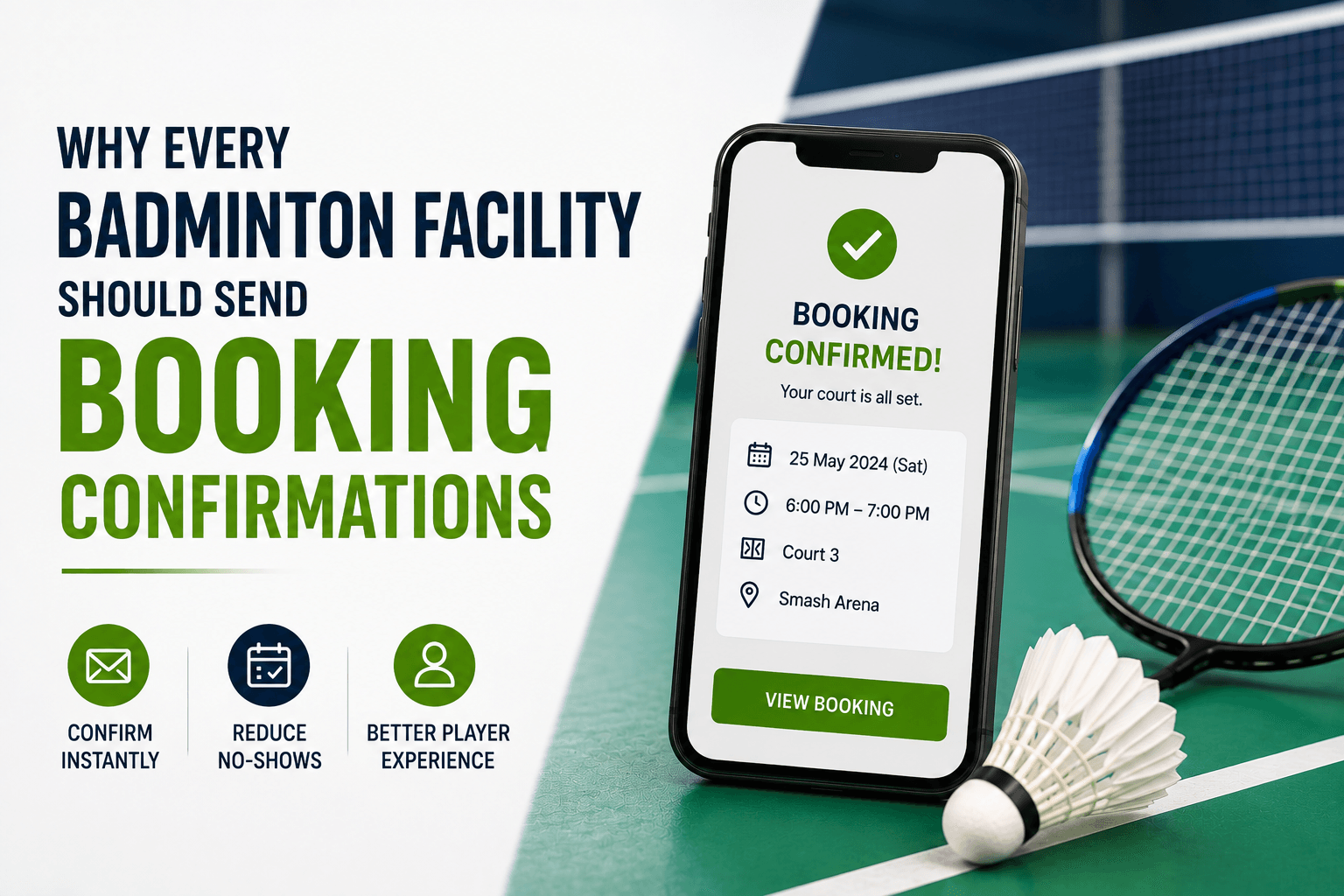
Why Every Badminton Facility Should Send Booking Confirmations
Learn what a badminton booking confirmation should include, when to use email or SMS, how calendar invites help, and why clear status matters.
Some players make an online reservation & are left with nothing but a generic ' thanks ' message to show for it - no idea if the court was actually booked, if the payment went through, or if they even picked the right court, time and place.
But a solid badminton booking confirmation should change all that right away. It lays it all out - what you reserved, is the booking actually legit, what you paid for, and what comes next.
Sending confirmations is super important to the overall badminton booking experience because they bridge the gap between paying online and showing up to play - for real.
What Is a Badminton Booking Confirmation?
A booking confirmation is a message or page generated after a reservation event. It tells the customer:
- What was booked
- Whether the reservation is confirmed
- When and where it will take place
- What has been paid
- Whether any action remains
- How to manage the reservation
Confirmations may appear through:
- An on-screen success page
- SMS
- A customer account
- An app notification
- A calendar event
The confirmation is not merely a thank-you message. It is the player’s record of the reservation. SBS
Why Booking Confirmations Matter
The inclusion of booking confirmations in a Casino's content is a crucial element to a great customer experience because it lends players the confidence that their booking has been recorded.
They help minimize questions regarding the booking, enable the identification and correction of errors in a timely fashion, help to set expectations on payment and make players better prepared before they come on the premises. Confirmations also enable the easier cancellation or rescheduling of bookings if necessary.
Moreover, confirmations of the booking will ensure that the information provided on the booking is consistent, and the staff will not be confused about the court location and the time of the session. Clear confirmations may also support efforts to reduce no-shows at your badminton club by keeping the correct booking details visible, although confirmations alone cannot prevent every missed reservation.
Separate Confirmations from Other Messages
Several messages may follow a reservation, but each serves a different purpose.
Booking Confirmation
Sent immediately after the reservation is created or completed.
Payment Receipt
Shows that money was collected.
Booking Reminder
Sent before the visit to keep the reservation visible.
Change Notification
Explains a change to the court, time, location, or payment status.
Cancellation Confirmation
Verifies that the booking was canceled and explains any refund or credit.
A payment receipt is not necessarily proof that the court itself is confirmed. The player may need both payment and booking status. OnePa
For the next stage of communication, see Automated Booking Reminders for Badminton Facilities.
Show Booking and Payment Status Clearly
Booking status and payment status answer different questions.
Booking statuses may include:
- Held
- Awaiting payment
- Confirmed
- Canceled
- Completed
Payment statuses may include:
- Pending
- Successful
- Failed
- Refunded
- Partially refunded
Use precise wording such as:
- Payment received — booking confirmed.
Or:
- Payment pending — the court is not yet confirmed.
Avoid vague messages such as:
- Your request has been received.
The customer should know immediately whether the court is reserved or whether further action is required.
Send the Confirmation Immediately
The on-screen result should appear as soon as the booking outcome is known. Email or SMS should then be sent without unnecessary delay.
Immediate confirmation helps because:
- The booking details are still fresh
- Mistakes can be identified quickly
- Payment uncertainty is reduced
- The customer receives a record before leaving the process
Do not rely only on an email that may be delayed, filtered, or entered incorrectly. The success page should also contain the essential reservation details.
What Should a Booking Confirmation Include?
A booking confirmation should include all the necessary information the guests may need to know about their upcoming visit.
It may comprise the venue’s address and name, court or service details, the date and time of the booking, reference number, customer’s name, the number of guests, payment details, if any, arrival instructions, parking details, cancellation policy, contacts, and calendar options.
The information included in the confirmation depends on the booking type. A simple court hire will have fewer details than a tournament or a junior programme. booking details
Structure Booking Confirmation Emails Clearly
Effective booking confirmation emails should place the most important information near the top.
A useful order is:
- Booking status
- Date and time
- Facility and court
- Payment summary
- Arrival instructions
- Manage-booking action
- Policy summary
- Support contact
Strong subject lines include:
- Your badminton court booking is confirmed
- Court 3 confirmed for Friday at 7:00 p.m.
- Your reservation at Riverside Badminton
- Payment received and court confirmed
Avoid vague subject lines such as “Thank you” or “Important information.”
The email should also remain readable on mobile devices and still make sense when images are blocked.
Use SMS for Short, Immediate Confirmation
SMS can provide quick reassurance and concise reservation details.
Example:
Riverside Badminton: Court 3 is confirmed Friday from 7:00–8:00 p.m. View or manage your booking: [official link]
SMS is useful for:
- Immediate confirmation status
- Short booking details
- Booking references
- Time-sensitive corrections
- Booking-management links
However, it provides limited space for policies, directions, and group instructions. Avoid exposing unnecessary personal or financial information, and use a recognizable sender and official link. SMS sender
Choose Email, SMS, or Both
| Channel | Best Suited For |
|---|---|
| Full details, directions, policies, and calendar options | |
| SMS | Immediate reassurance and concise booking information |
| Both | Complex, high-value, or long-lead reservations |
Using both may make sense for private coaching, tournaments, corporate events, group programs, or multi-court reservations.
The channels should complement each other rather than repeat the same long message.
Create a Useful Success Page
The on-screen success page should show:
- Current booking status
- Booking reference
- Court or activity
- Date and time
- Amount paid
- Remaining balance
- Confirmation-delivery notice
- Calendar option
- Manage-booking action
- Support contact
For example:
Your booking is confirmed. Court 2 is reserved Saturday from 9:00–10:00 a.m. A confirmation has been sent to jordan@example.com.
If email or SMS delivery fails, the customer can still save the reference or access the booking from this page. A clear success page is one part of How to Improve the Badminton Booking Experience at Your Facility, because it connects payment, confirmation, booking management, and preparation for arrival.
Include a Calendar Option
A calendar invitation can help players:
- Save the correct date and time
- Avoid manual-entry mistakes
- Receive device alerts
- Find the facility address
- Share the booking with participants
- Access the reservation later
The calendar event should include the facility, court or activity, start and end time, address, booking reference, arrival instructions, and management link.
When the reservation changes, the event should be updated or canceled. Leaving an outdated calendar entry active can create more confusion than providing no calendar option.
Monitor Delivery Problems
Track:
- Bounced emails
- Undelivered SMS
- Invalid contact information
- Delayed confirmations
- Duplicate messages
- Outdated confirmations after rescheduling
Useful fallback options include:
- On-screen confirmation
- Customer-account history
- Booking-reference lookup
- Resend-confirmation action
- Front-desk support
Remember that delivery does not prove the player read or understood the message. Bounced emails
How Software Supports Booking Confirmations
Booking software can pull together all the important bits from a current reservation, like the schedule, payment, and customer data to create a confirmation from scratch.
Nesbook lets facilities fire off instant email or SMS confirmations that include all the reservation details, making it a whole lot easier to get across the booking info in a clear and consistent way.
But that's not all, facilities should also check that payments actually go through, handle failed payments, rescheduled bookings, cancellations, refunds, cases where the delivery fails, and make sure confirmations don't get sent twice.
Frequently Asked Questions
Should I Send Booking Confirmations by Email or SMS?
Well, if you want to give players the works, email is probably the better choice - but if you just want to give them a reassuring message, SMS is the way to go. If things get super complicated, both might be a good idea.
Is a Payment Receipt Different From a Booking Confirmation?
Yeah - a receipt is just proof that you paid up, but a confirmation lets you know the court or service is actually reserved.
Should I Include a Calendar Invite in the Confirmation?
That's a great idea - players can save the date and time to their phone or calendar, and it's a lot easier for them to know when and where they're booked in. Just don't forget to update the invite if anything changes.
Can I Get the Booking Software to Send Confirmations Automatically?
Absolutely - with the right software, you can get email or SMS confirmations popping out to players with all the reservation and payment details, depending on what features your platform has.
Conclusion
If a booking confirmation is spot on it'll take away all the uncertainty right away. It lets players know if their booking is a go, tells them which court and time they're booked for, checks if the payment went through, and gives them clear options for getting to the booking and managing their time.
You want to make sure those confirmations are sent out ASAP, are accurate, work on mobile phones, can be easily fixed if there's any mistakes, and have some solid delivery monitoring in place.